How Do I Activate Mobile BankID in Sweden?
Trying to navigate daily life in Sweden without a Mobile BankID is like trying to enter a locked building without a key. From paying for a simple coffee using Swish to accessing your medical records or filing taxes, this digital identity is mandatory. This guide breaks down the complex activation process, helping you overcome the technical and administrative hurdles of getting verified.
The Digital Gatekeeper: Why BankID is Non-Negotiable
If you have recently moved to Sweden, you have likely already encountered the "BankID" logo on almost every website you visit. It is not just a banking tool; it is your legal digital signature. In a country that is rapidly becoming the world's first truly cashless society, your physical presence and a wet-ink signature carry surprisingly little weight compared to this encrypted app. Whether you are trying to view a lab result on the 1177 Vårdguiden: Navigating Sweden's National Health Advice Line and Portal or you are signing a rental contract, the Mobile BankID is the tool that proves you are who you say you are.
The frustration for many expats is that you cannot simply download the app and start using it. It requires a deep integration with a Swedish bank, which in turn requires a personnummer. This chicken-and-egg situation can leave newcomers feeling digitally stranded for weeks. However, once you have your personnummer and a bank account, activating the app becomes the final hurdle to full participation in Swedish society. Without it, even basic tasks like picking up a parcel from a PostNord terminal or logging in to see your Filing Your Swedish Tax Return (Deklaration): What You Need to Know become unnecessarily complicated.
Many expats find that while they are waiting for their local accounts and BankID to be finalized, using a versatile platform like Wise can help manage international expenses and local transfers in the interim. It provides a bridge between your old financial life and your new Swedish one, especially when you are still navigating the initial bureaucracy of the Nordic banking system.
The Pre-Activation Checklist: What You Need First
Before you even open the App Store or Google Play, you need to ensure three foundational pillars are in place. Without these, the activation process will fail at the first step. Sweden’s digital security is exceptionally high, and they do not make exceptions for "just arrived" status.
The Personnummer Hurdle
Your Swedish personal identity number is the root of your entire digital existence here. You cannot get a Mobile BankID with a coordination number (samordningsnummer) or a temporary ID. The bank must be able to verify your data against the national population register. If you are still waiting for your number, you are unfortunately in a waiting period where most digital services will remains closed to you. Once you have it, you must ensure your bank has updated your profile with this number.
A Swedish Bank Account and Security Token
You must have a full-service account at one of the major banks. This usually includes Choosing a Bank in Sweden: Swedbank, SEB, Handelsbanken, and Nordea. When you open your account, the bank will often give you a physical "security token" or "säkerhetsdosa." This small, calculator-like device is what you will use to sign in to your online banking portal to authorize the creation of your Mobile BankID. Do not lose this device; even today, it remains the "master key" that allows you to reset your digital ID if you lose your phone.
The Swedish ID Card
While your foreign passport was enough to get you into the country, the bank will eventually require a Swedish ID card (identitetskort) issued by Skatteverket to verify your identity for the highest level of BankID security. Some banks will allow a limited activation with a foreign passport if you visit a branch in person, but for the full, unrestricted Mobile BankID that allows for things like Getting a Swedish ID Card After Your Personnummer, the local ID is often a prerequisite.
Step-by-Step Guide to Activating Mobile BankID
Once your bank account is active and you have your security token in hand, the process moves into the digital realm. It is highly recommended to do this on a desktop computer while having your smartphone ready.
Step 1: Download the BankID Security App
Navigate to your mobile device's app store and search for "BankID Säkerhetsapp." It is published by Finansiell ID-Teknik BID AB. Ensure you are downloading the official version. Once installed, the app will ask for permission to use your camera—this is vital for scanning the QR codes that link your bank profile to your specific device.
Step 2: Log In to Your Online Bank
On your computer, go to your bank’s website (e.g., Swedbank.se or SEB.se). You will need to log in using your security token. This usually involves inserting your bank card into the token, entering your PIN, and then generating a one-time code. This high-level authentication proves to the bank that you are the physical owner of the account before they allow you to "issue" a digital certificate.
Step 3: Issue a New Mobile BankID
Inside your online banking menu, look for a section titled "Övriga tjänster" (Other services) or simply "BankID." Click on "Beställ Mobile BankID" (Order Mobile BankID). The system will walk you through a few terms and conditions. At this point, the bank’s website will display a large QR code on your computer screen.
Step 4: The QR Code Scan and PIN Creation
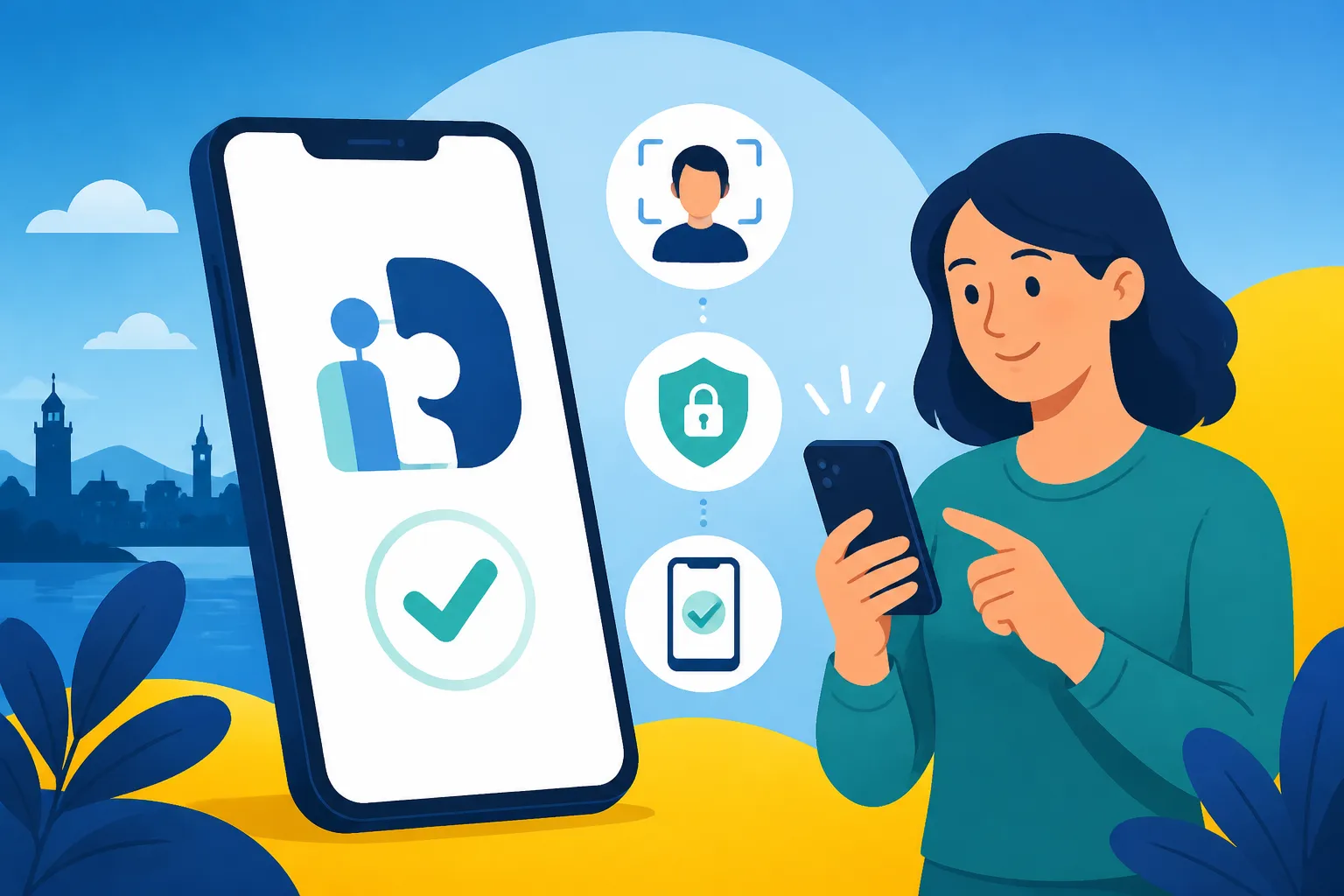
Open the BankID app on your phone and tap "Hämta BankID" (Get BankID). Your phone’s camera will activate. Point it at the computer screen to scan the QR code. Once recognized, the app will ask you to choose a six-digit security code. This code is your digital signature—choose something secure that you will not forget. Some phones will also allow you to enable FaceID or fingerprint recognition for quicker access, though you will still need your six-digit code for major transactions.
| Bank | Primary Activation Method | Requirement for In-Person Visit |
|---|---|---|
| Swedbank | Online via Security Token | Only for first-time ID verification |
| SEB | Online via Digipass | Often required for non-EU passport holders |
| Nordea | Nordea ID App / Code Calculator | High; Nordea often requires a physical meeting |
| Handelsbanken | Online via Card Reader | Moderate; depends on the branch and residency status |
| ICA Banken | Online via Mobile BankID (if you have another) | Low; primarily a digital bank |
Navigating Common Activation Hurdles
The process sounds straightforward, but as any veteran expat will tell you, things often go wrong. One of the most common issues is the "Identity Not Verified" error. This usually happens if your bank has not yet performed a "Passport/ID Check." Since 2021, Swedish regulations have tightened, and many banks now require you to physically bring your Swedish ID card to a branch so they can scan the chip before they enable the "Mobile BankID" ordering feature on your online profile.
Another common frustration occurs when you change phones. You cannot simply "move" a BankID from an old iPhone to a new one via a cloud backup. You must log in to your bank again and "issue" a brand new certificate for the new device. If you have already traded in your old phone and didn't keep your physical security token, you might find yourself locked out of your bank entirely, necessitating a trip to a physical branch office.
For those managing complex financial lives, such as Americans living in Sweden, the administrative burden doesn't end with BankID. Dealing with international tax compliance can be a nightmare. Services like Taxes for Expats specialize in helping people navigate the dual burden of Swedish and US tax filings, ensuring that once you have your BankID and start earning, you stay compliant on both sides of the Atlantic.
Essential Uses: What Happens After Activation?
Once the app is active, the Swedish world opens up to you. The most immediate benefit is the ability to use Swish. You can find out more about Using Swish: How Sweden Pays Instantly and how it integrates with your newly activated ID. Swish is used for everything from splitting a dinner bill to paying for a second-hand item on Blocket. Without BankID, you cannot activate Swish.
Furthermore, you will finally be able to use the 1177 healthcare portal. For newcomers, understanding How Do I Log Into 1177.se with BankID? is critical for booking doctor appointments or checking prescription refills. In Sweden, the phone is often the last resort for administrative tasks; the digital portal is where the real work happens.
If you are working or studying, your BankID will also allow you to log into Opening a Bank Account in Sweden: A Step-by-Step Guide and manage your salary, pay bills via OCR numbers, and set up "Autogiro" (direct debits) for your rent and utilities. It also allows you to interact with the Swedish Social Insurance Agency, which is why most expats are told to Registering with Försäkringskassan: When and Why You Need To as soon as their BankID is live.
Safety Tips for Using BankID in Sweden
While BankID is incredibly convenient, it is also a target for sophisticated phishing attacks. A common scam involves someone calling you, pretending to be from your bank or the police, and asking you to "log in to BankID to verify your identity."
Never use your BankID at the request of someone who has contacted you.
Swedish banks will never call you and ask you to identify yourself via BankID out of the blue. You should only ever use the app when you are the one initiating a login or a payment on a trusted website. Always read the text in the BankID app carefully before signing; it will tell you exactly what you are signing for (e.g., "Logging in to Skatteverket" or "Transferring 500 SEK").
Using a secondary financial tool like Wise for your daily spending can also provide an extra layer of security, as you can keep your main Swedish account—where the majority of your savings are held—separate from the card you use at public terminals or less secure websites. This strategy, combined with the robust security of your BankID, ensures that your transition into Sweden's digital economy is both smooth and safe.
Finally, remember that your BankID is tied to your phone's security. If you lose your phone, your first call should be to your bank's "spärrservice" (blocking service) to immediately revoke your digital certificate. This prevents anyone who might bypass your phone's passcode from accessing your bank accounts or signing documents in your name.
Disclaimer
This guide is provided for informational purposes only and does not constitute legal, financial, or professional advice. Requirements for BankID and banking regulations in Sweden are subject to change by the Swedish government and individual financial institutions. Always verify the latest procedures directly with your bank or through official government channels like Skatteverket.