How Do I Log Into 1177.se with BankID?
Trying to navigate the Swedish healthcare system can feel like being handed a puzzle where all the pieces are blank and the instructions are written in a language you haven't mastered yet. I remember my first week in Stockholm, desperately trying to figure out how to book a simple appointment for a persistent cough, only to be met with a digital wall that required something called a BankID. This guide solves that specific frustration by walking you through the exact process of logging into 1177.se so you can finally take control of your health.
The Digital Wall: Why You Need 1177 and BankID
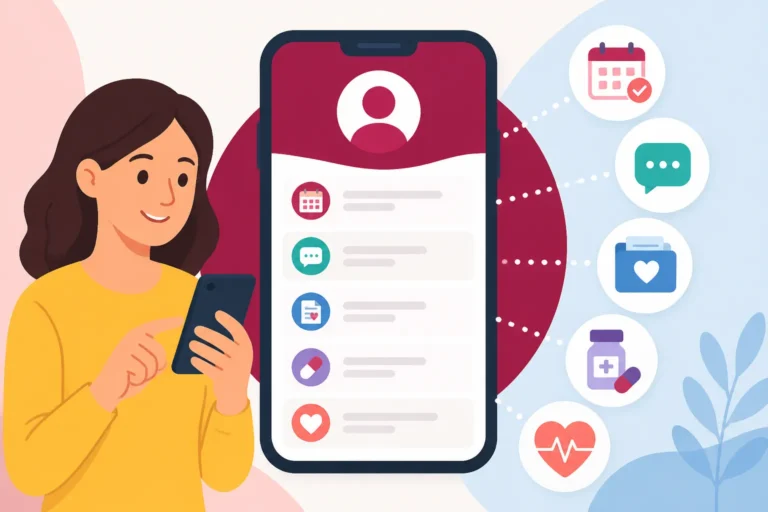
In many countries, you might be used to calling a doctor’s office directly and speaking to a receptionist to book an appointment. In Sweden, while that is still technically possible, the entire system is designed to move you toward 1177.se. This platform, known as 1177 Vårdguiden, is the central nervous system of Swedish medicine. It is not just a website for medical advice; it is a secure portal where your entire medical history, prescriptions, and appointment schedules live.
The catch, of course, is security. Because 1177.se handles sensitive medical data, they cannot just let you log in with a simple username and password. This is where Getting BankID: Sweden's Essential Digital Identity becomes the most critical step in your expat journey. BankID is your digital signature, verified by your bank and linked directly to your Personnummer. Without it, the 1177 portal remains largely locked, leaving you to deal with the often-clogged telephone lines of your local clinic.
I’ve spent many hours explaining to new arrivals that the frustration they feel isn't personal; it’s a byproduct of a system that prizes digital efficiency and data privacy above all else. If you are still in the waiting phase for your official documentation, you might find yourself asking Can I See a Doctor in Sweden Before I Get My Personnummer? because the digital path is temporarily closed to you. During these gaps, many expats rely on private options like SafetyWing to ensure they have some form of coverage while the Swedish administrative gears slowly turn.
Breaking Down the Portal Ecosystem
When you first land on the 1177.se homepage, you’ll see a wealth of information available in multiple languages, including English. However, there is a massive difference between the public-facing articles and the "Personal Services" (Logga in) section. The public side gives you generic advice on how to treat a cold or what to do if you have a fever. The logged-in side is where the real work happens.
Once you are logged in, you can choose your primary care clinic, a process known as Registering with a Vårdcentral: Your Guide to Primary Care in Sweden. You can also see your "Journal," which is the chronological log of every interaction you have had with a Swedish doctor. It’s incredibly detailed—sometimes too detailed, as you’ll see every note a doctor has ever typed about you. This transparency is a hallmark of the Swedish system, but it requires that high-level BankID security to protect your privacy.
Why BankID is Non-Negotiable for Long-Term Residents
You might wonder if there are workarounds. While some regions allow login with other electronic IDs (like Freja eID+), BankID remains the gold standard. If you are planning on staying in Sweden for more than a year, getting this set up is as important as finding an apartment. The integration between your bank, the tax agency (Skatteverket), and the healthcare system is seamless once it’s active.
For those who are moving here on a shorter contract or haven't yet secured their residency, the lack of a BankID can feel like being a second-class citizen in a high-tech society. In such cases, having international health insurance like Cigna Global can be a lifesaver, as it often provides access to private clinics that don't always require the same Swedish digital hoops to jump through. But for the vast majority of us using the public system, BankID is the only way in.
Step-by-Step Tutorial: Logging Into 1177.se
Logging in for the first time can be intimidating because the interface is almost entirely in Swedish. Even if you use a browser translator, some of the technical terms can get muddled. Here is the exact sequence of events you need to follow to gain access to your medical records.
Phase One: Pre-flight Checklist
Before you even open your browser, make sure you have the following ready:
- A smartphone with the BankID app installed and activated.
- A stable internet connection (Swedish 5G is great, but public Wi-Fi can sometimes cause the BankID handshake to fail).
- Your 12-digit Personnummer (YearMonthDay-XXXX).
If you are still waiting on your ID, you should read up on Getting Your Personnummer: The Gateway to Swedish Healthcare to understand the timeline. Without those twelve digits, the login button on 1177.se is essentially a decorative feature.
Phase Two: The Authentication Dance
Go to 1177.se and look for the button labeled "Logga in" (usually in the top right corner). Once you click this, you will be presented with a few options.
| Login Option | What You Need | Best For |
|---|---|---|
| Mobilt BankID | Smartphone + BankID App | 99% of daily users; fast and portable. |
| BankID på kort | Card reader + Physical ID card | Users who prefer a desktop/physical security token. |
| Freja eID+ | Freja App (verified level) | Those who don't have a traditional Swedish bank account. |
| Utländskt eID | EU-recognized electronic ID | EU citizens visiting Sweden temporarily. |
- Select "Mobilt BankID": This is the most common method. A box will appear asking for your Personnummer. Enter all 12 digits without spaces or dashes.
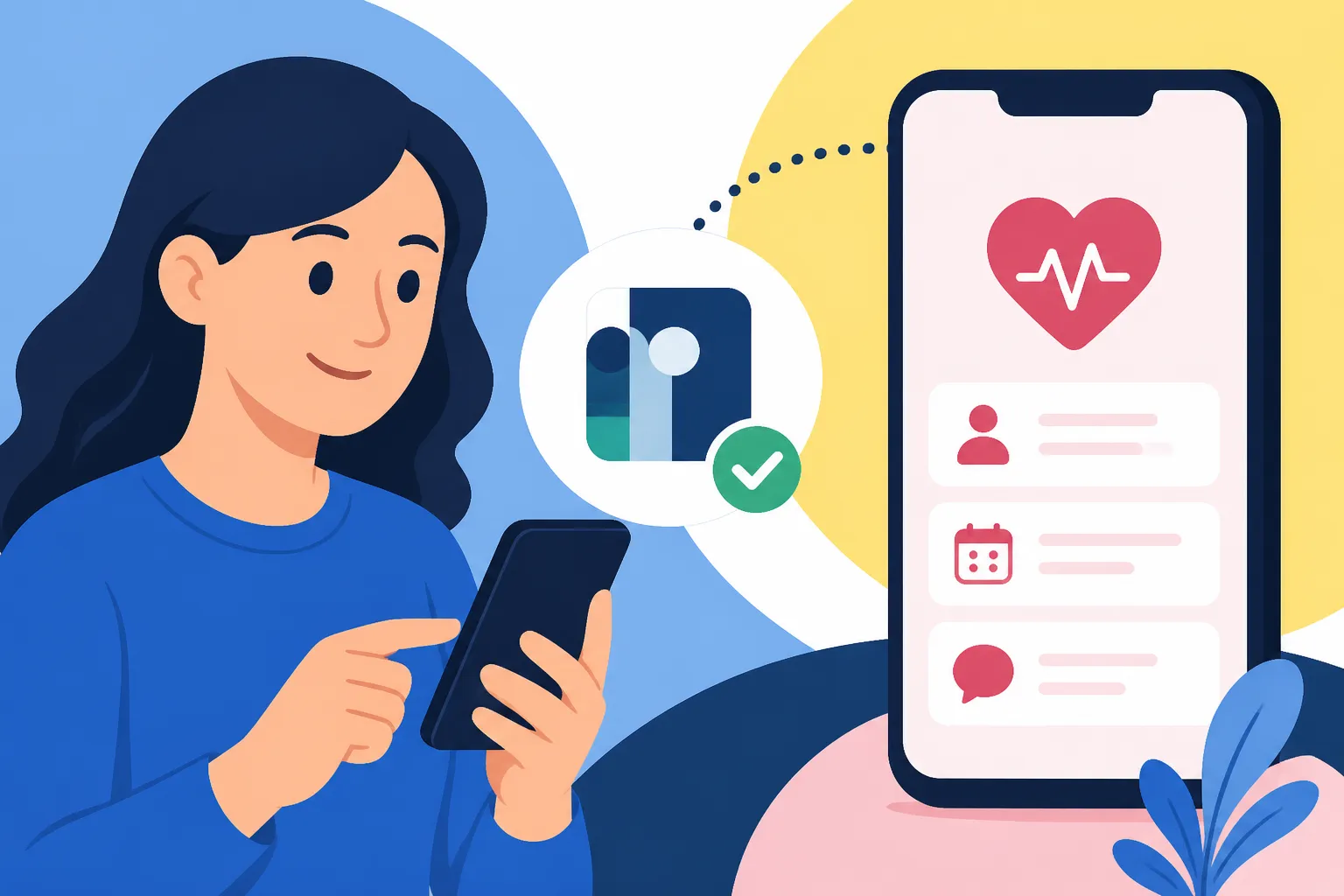
- Trigger the App: Click the button that says "Logga in" or "Starta BankID-appen." At this point, a QR code will likely appear on your computer screen.
- Scan the Code: Open the BankID app on your phone and tap "Skanna QR-kod." Point your camera at the computer screen.
- Confirm Identity: Your phone will show that "1177 Vårdguiden" is requesting a login. Verify that the name of the service is correct and enter your security code (or use FaceID/TouchID).
Once the app confirms the signature, the 1177.se page on your computer will automatically refresh and welcome you to your personal dashboard.
Navigating the 1177 Dashboard
Congratulations, you’re in! But now what? The dashboard can look like a maze of Swedish medical jargon. Your first priority should be to ensure you are looking at the right region. Sweden's healthcare is decentralized, meaning the services available to you in Stockholm might look different from those in Skåne.
Accessing the Journalen and Your Medical History
One of the most powerful features of the portal is the "Journalen" (The Journal). This is a record of your visits, lab results, and diagnoses. To find it, look for a link that says "Journalen" or "Alla mina tjänster" (All my services).
Inside your journal, you can see:
- Anteckningar: Notes written by doctors or nurses during your consultations.
- Provsvar: Results from blood tests, X-rays, or other diagnostics.
- Diagnoser: A list of official medical conditions you have been treated for in Sweden.
Understanding your records is vital, especially if you are Managing a Chronic Condition in Sweden: Diabetes, Asthma, and More. Being able to show a new specialist your history at the touch of a button saves hours of repetitive explanations. However, be aware that lab results often appear here before the doctor has had a chance to call you. Don't panic if you see a result you don't understand; wait for the official follow-up.
Booking and Cancelling Appointments
This is the section you will likely use the most. Under the heading "Boka tid" (Book time), you can see the clinics you are registered with. If you haven't picked one yet, the system will often show you a default clinic based on your home address.
Booking Doctor Appointments Online Through 1177.se with BankID is significantly easier than calling. You can see available time slots, choose the one that fits your work schedule, and even send a short message explaining your symptoms. If you need to cancel, you must usually do it at least 24 hours in advance to avoid a "no-show" fee, which can be quite steep. The portal makes this a two-click process, which is a relief when you're too sick to sit on a phone queue.
Overcoming Frustrations and Alternative Paths
Even with this guide, things can go wrong. The Swedish digital infrastructure is robust, but it isn't perfect. I’ve had many moments where the system simply refused to recognize my login, or the QR code wouldn't load.
What to Do If You Don't Have BankID Yet
If you are a newcomer and haven't received your Personnummer or BankID, you are effectively locked out of the online portal. This is a major pain point. In this scenario, you must go the "analog" route. This means calling 1177 on your phone for medical advice. They have English-speaking nurses available 24/7 who can guide you to the nearest clinic or help you understand the urgency of your symptoms.
While waiting for your digital access, you might also consider private healthcare options. Brands like Cigna Global are popular among expats because they offer a level of concierge service and faster access to specialists that the public system, with its The Vårdgaranti: Your Right to Timely Care in Sweden, can sometimes struggle to provide.
Regional Variations and Technical Glitches
If you move from one part of Sweden to another, you must update your region in the 1177 portal. Look for "Inställningar" (Settings) and ensure your current address is correctly reflected. Sometimes, your "Journal" might not follow you immediately across regional borders, as the technical systems in Norrbotten don't always talk perfectly to the ones in Halland.
If you encounter a persistent error message during login, the first thing to check is whether your BankID needs an update. The app is updated frequently for security reasons, and if you are even one version behind, 1177.se might reject your connection. Clear your browser cache, restart your phone, and try again. It sounds like basic advice, but in the world of Swedish digital admin, it solves about 80% of login issues.
For more complex issues, like How the Referral (Remiss) System Works for Seeing a Specialist in Sweden, you will need to rely on the messaging feature within 1177. You can write to your doctor directly, asking for the status of a referral or requesting a refill for a prescription. This digital paper trail is incredibly helpful if you ever need to track your care progress.
Maximizing Your Use of 1177.se
Once you are comfortable logging in, you'll realize that 1177.se is more than just a booking site. It’s a tool for autonomy. You can use it to see if your Prescription Medicines in Sweden: Recept, Refills, and the Cost Cap have been updated or how many refills you have left.
You can also manage your children's healthcare through your own login until they reach a certain age. This is a huge relief for parents who are trying to navigate the Swedish school and health systems simultaneously. The platform allows you to switch between "acting for yourself" and "acting for a child," making it easy to book those all-important vaccinations or check-ups.
| Task | Swedish Term to Look For | Why It Matters |
|---|---|---|
| Check Lab Results | Provsvar | Monitor your health metrics without a phone call. |
| Renew Prescription | Förnya recept | Avoid running out of essential medication. |
| Message Clinic | Kontakta mottagning | Ask non-urgent questions directly to your nurse. |
| View Referrals | Remisser | Track your progress toward seeing a specialist. |
Living in Sweden requires embracing the digital lifestyle. While the initial hurdle of 1177 Vårdguiden: Navigating Sweden's National Health Advice Line and Portal and BankID can feel like a full-time job, once you are in, the system offers a level of transparency and control that is rare in other parts of the world. Just keep your BankID pin safe, keep your phone charged, and remember that every expat before you has felt this exact same "login anxiety." You’ve got this.
Healthcare Guide Disclaimer
The information provided in this guide is for informational purposes only and is intended to assist foreign residents in navigating the Swedish healthcare system. We are not medical professionals or government officials. While we strive to keep this information up to date, Swedish regulations, digital systems (including 1177.se and BankID), and regional healthcare policies can change frequently. Always consult the official 1177.se website or contact a qualified medical professional for specific health advice or current administrative procedures. Use of private insurance such as Cigna Global or SafetyWing should be evaluated based on your individual residency status and needs.